Introduction:
If there is replacement request, it’s required to register user account, your product and open a support case first.
Please refer to this KB for the detailed step-by-step.
Next, Open new RMA case.
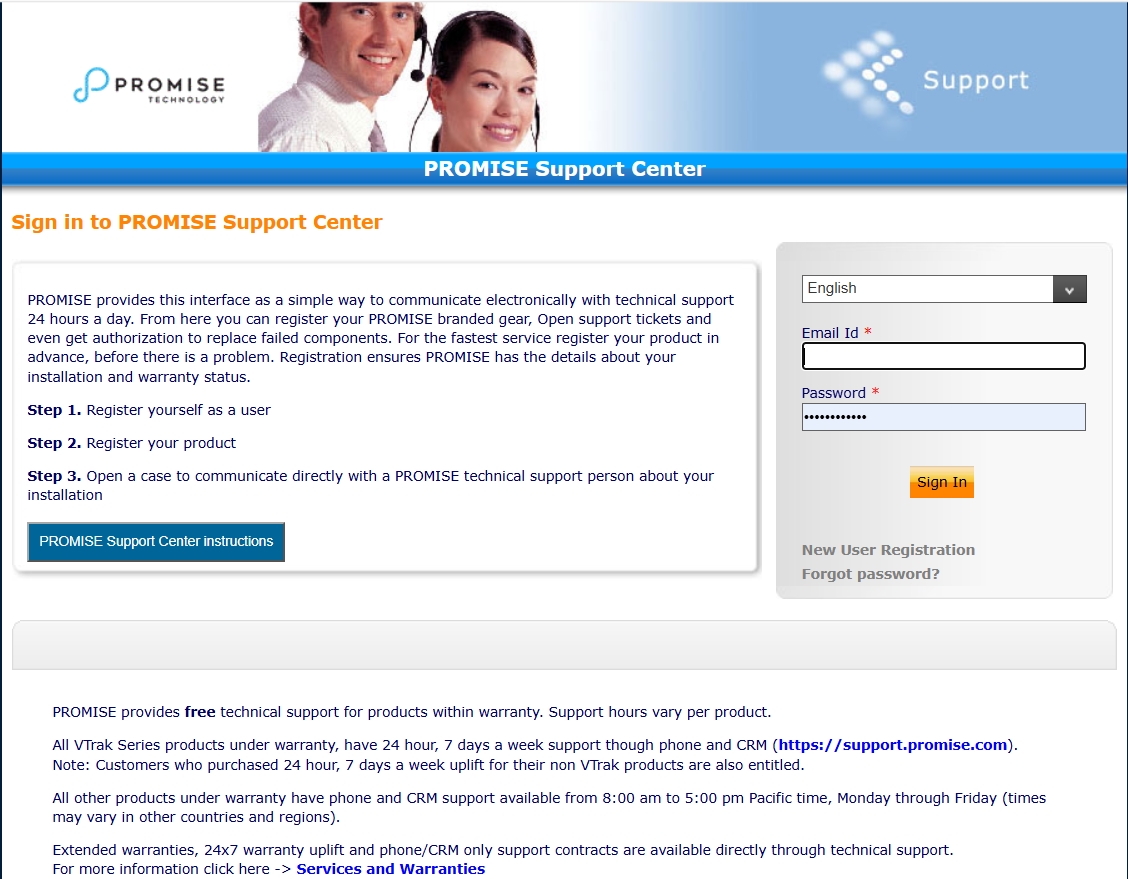
- Log in to https://support.promise.com
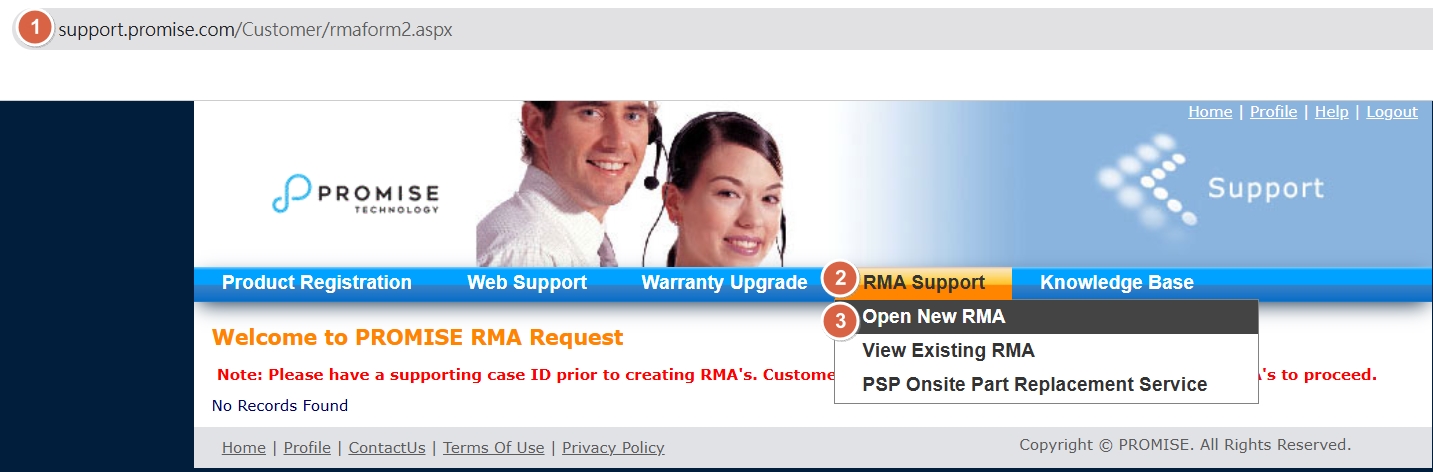
- From the “RMA Support” dropdown select “Open New RMA”
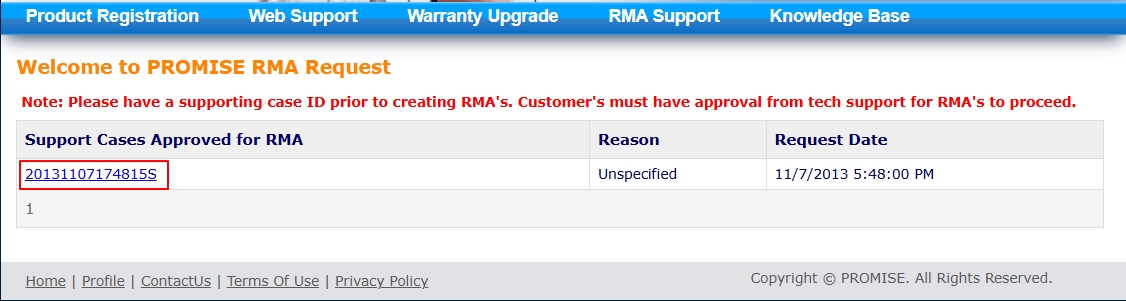
- Click on the Support Case Approved for RMA
- Select the Type of RMA.
- Enter additional notes and click “Submit”
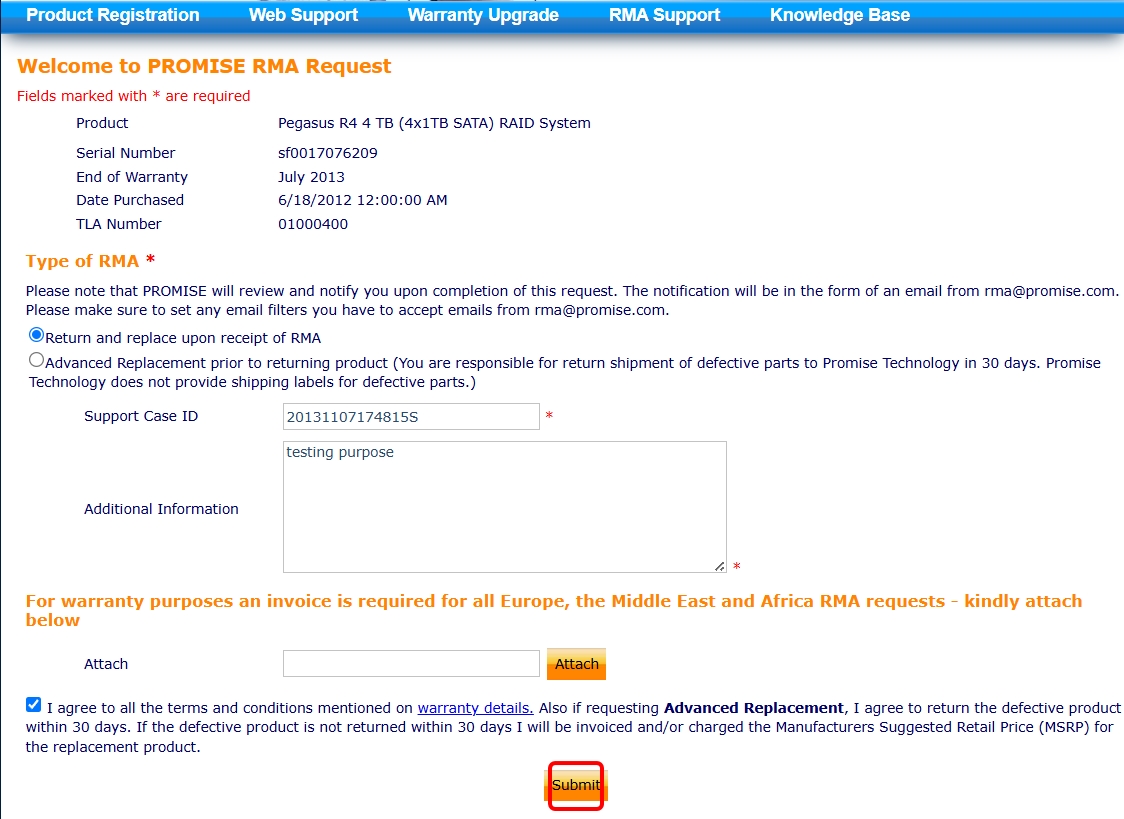
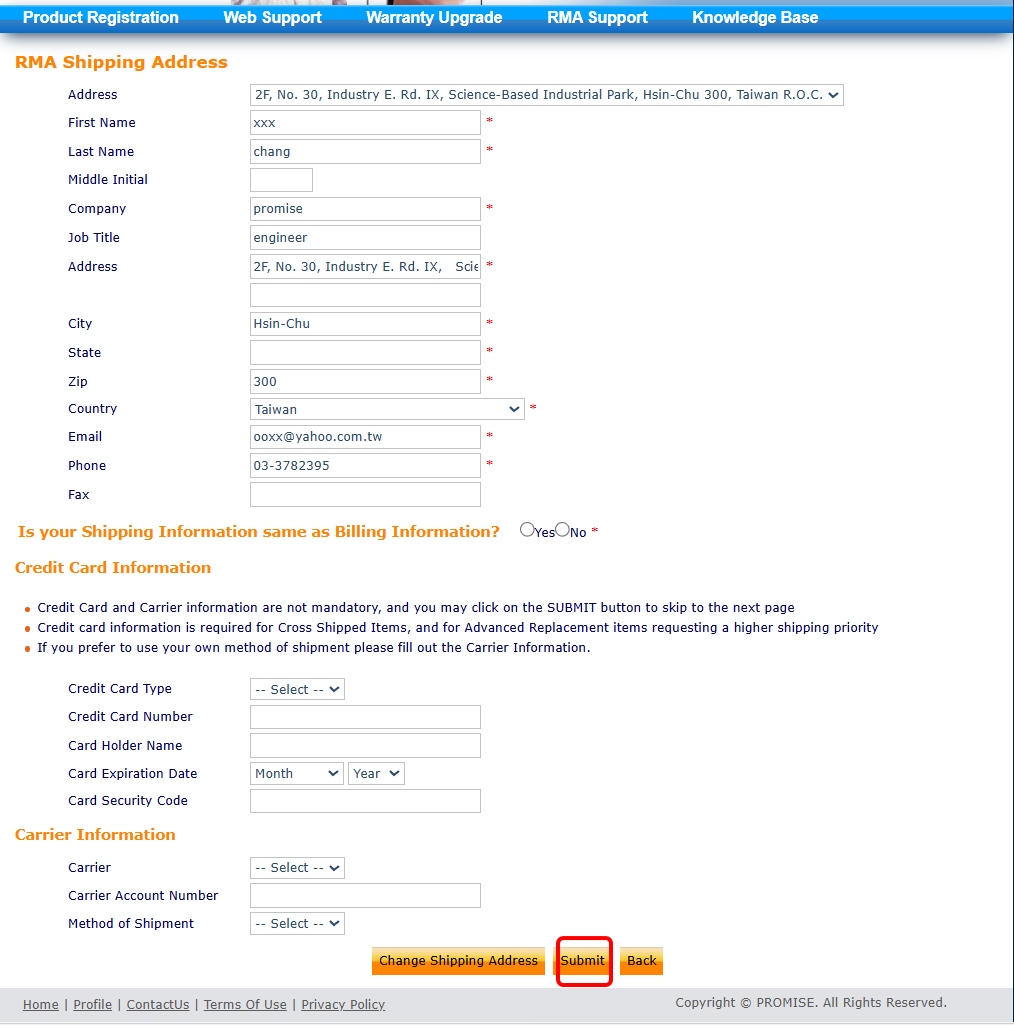
- Enter the “RMA shipping address”
- If billing and shipping address are the same click “Yes”. If the billing address is different select
“No” to enter the billing address. (Required only if a credit card is submitted).
- Enter credit card and carrier information in fields provided.
- Click “Submit”
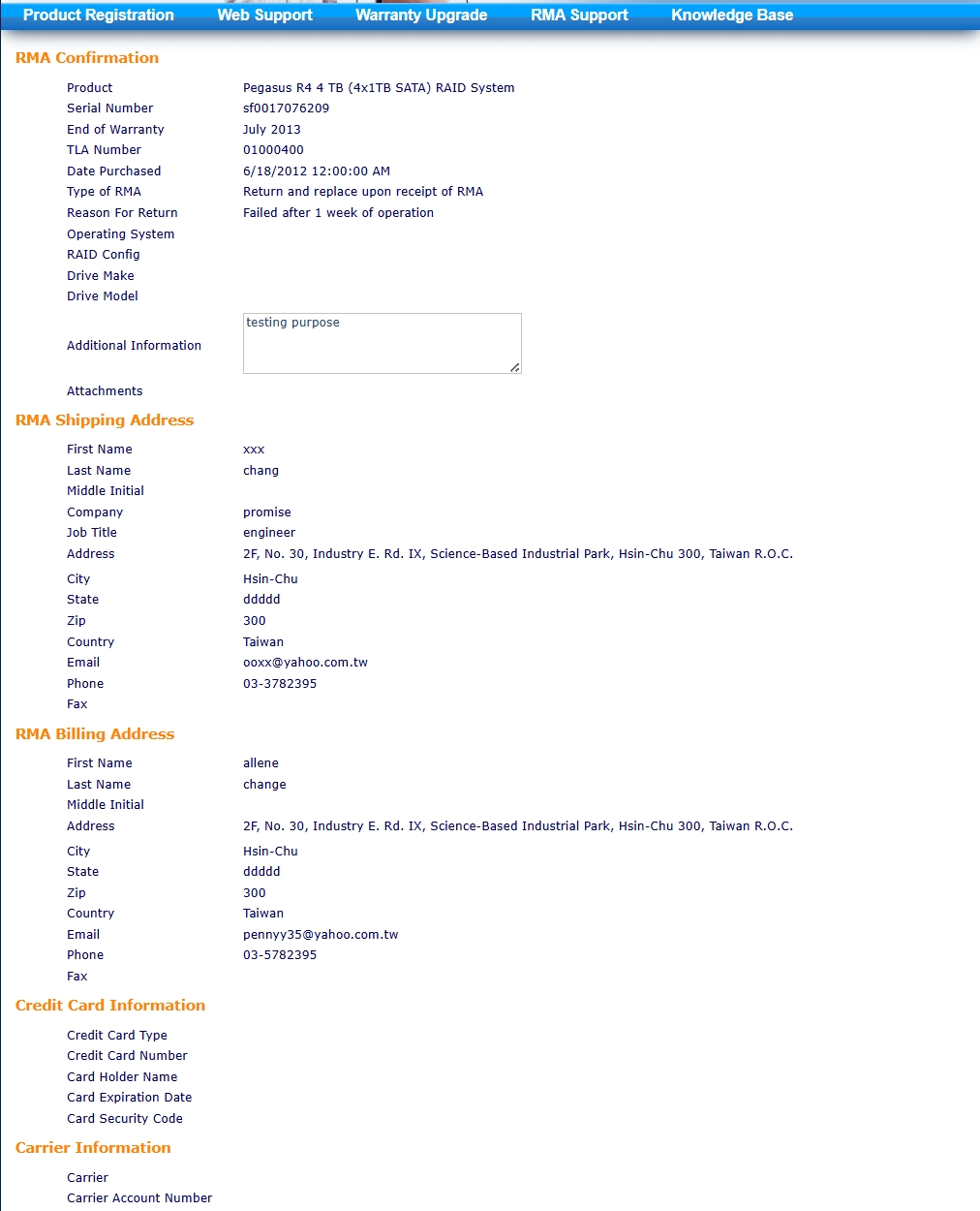
- The last page will let you verify that all information entered is correct.
- Click “Submit” to complete submission of RMA request.

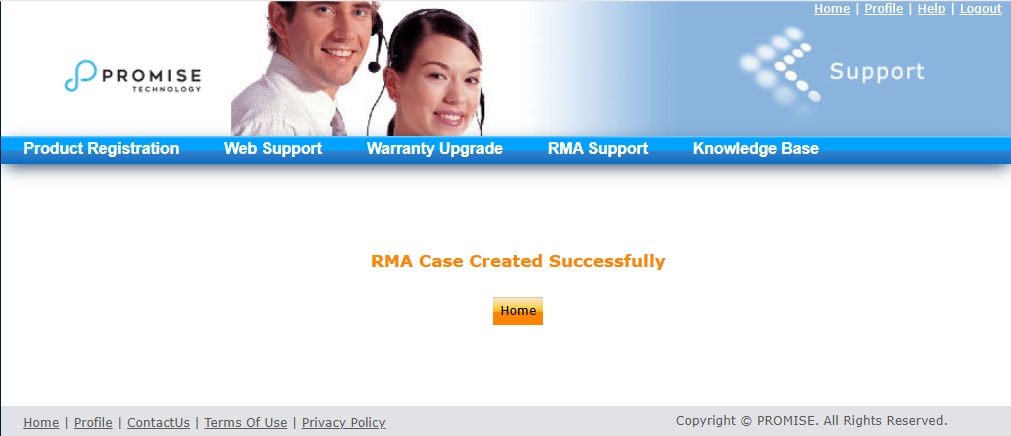
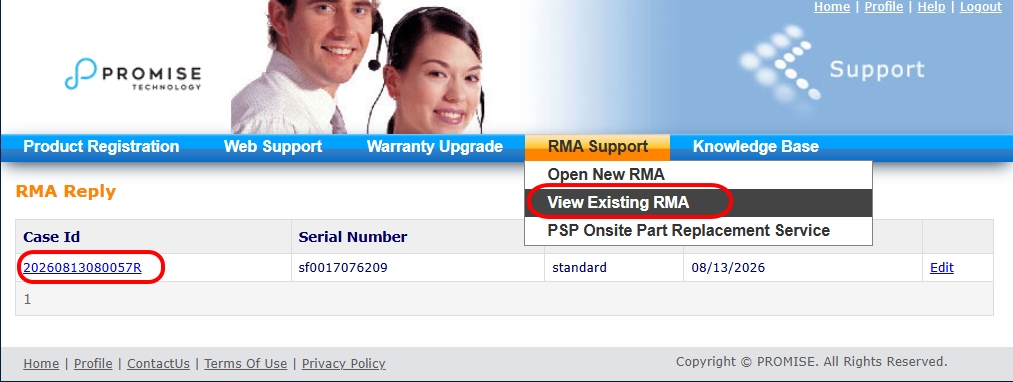
Here's an example of viewing existing RMA case ID ; Please share this ID for RMA/DOA request.